A free Lyssna alternative with up to 1,000 responses per study
Lyssna's free plan allows 15 self-recruited responses. Ours are free, up to 1,000 responses per study, with no credit card: card sort, tree test, first-click, preference and five-second tests.
Start a studyWhat it looks like
Screenshots of the free tools, using the built-in example data.
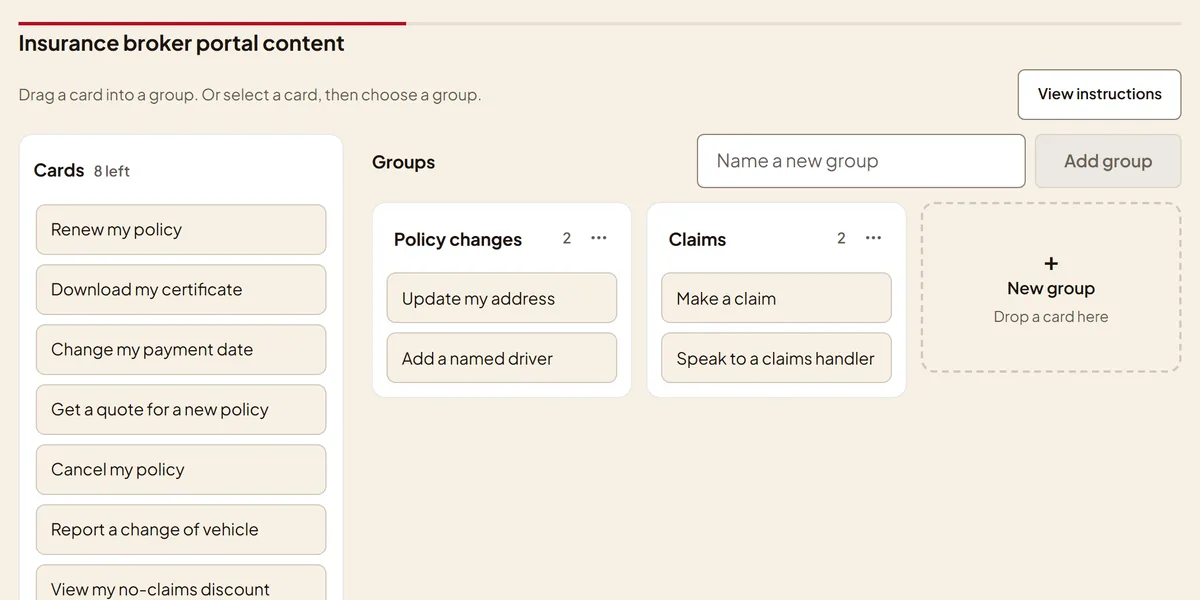
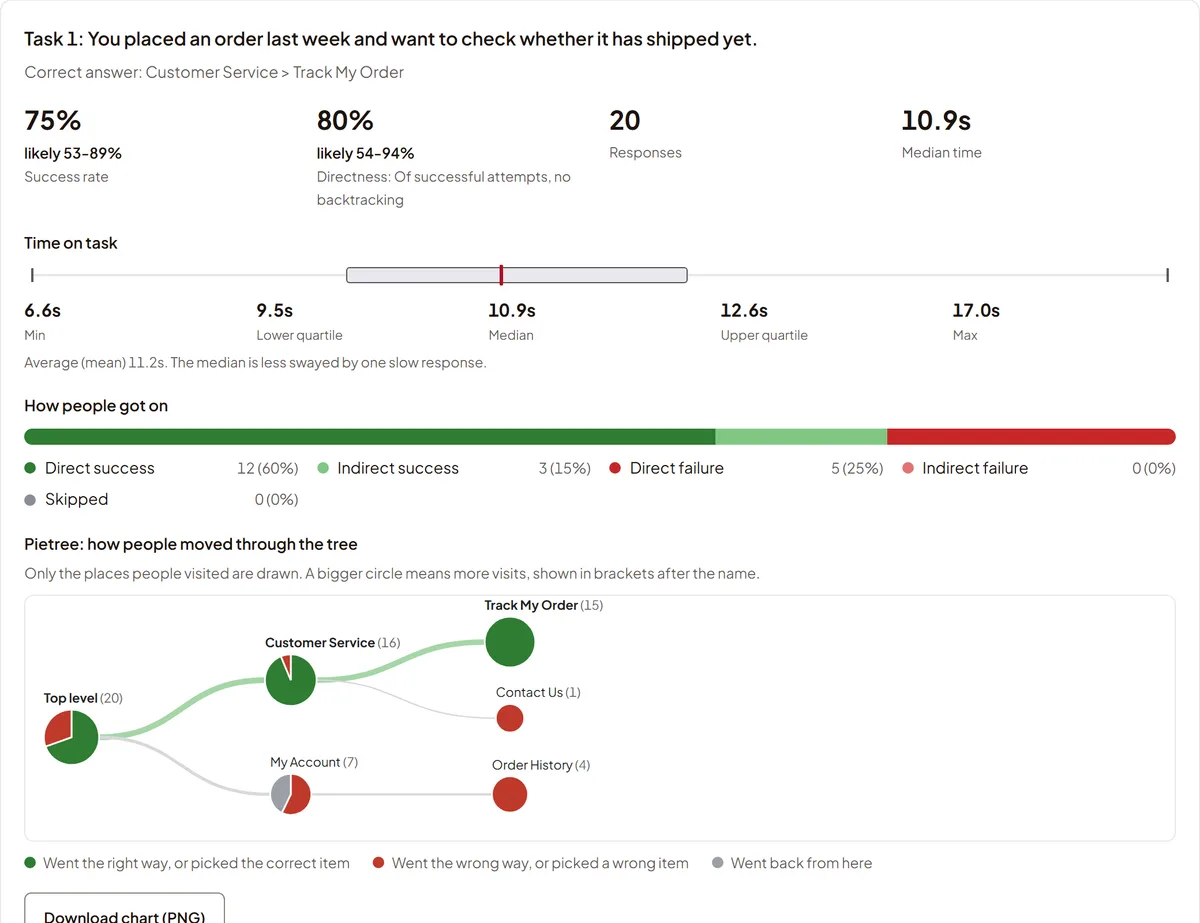
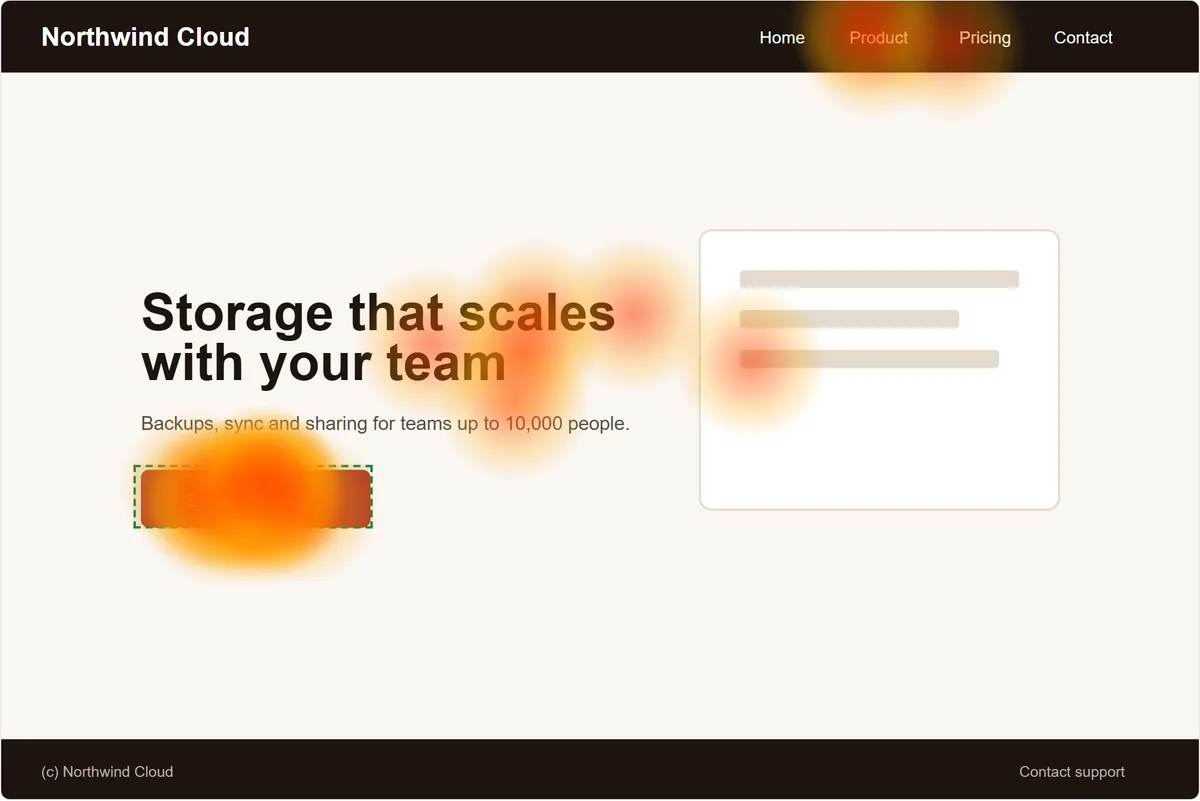
Side by side
Lyssna details from lyssna.com/pricing, checked 24 October 2026. Plans change, so check their site. We are not affiliated with Lyssna or UsabilityHub.
What else you get here
Export and publish
CSV, PDF report, or a results page you can link.
AI summary
Themes and structure in plain words, up to 20 a day.
Classes
A teacher kit, so a whole class can run studies.
Calculators to embed
NPS, SUS, A/B and more, free to put on your site.
Frequently asked questions
Is it really free?
Yes. There is no paid plan and no credit card. Every study type here is free to build, share and read the results of.
Do I need an account?
Not to build a test, preview it as a participant or download your results. You sign in (free, by email link) when you want to share a study with participants or save your work.
How many responses can a study take?
Each study takes up to 1,000 responses, and you can set a lower limit or a close date. There is no monthly study allowance. As abuse guards, you can create up to 30 studies an hour per study type, and one network address can send up to 150 responses an hour to a single study.
Can I export my results?
Yes. Download responses as a CSV, save a PDF report, or publish a results page you can link to. An AI summary is available too, up to 20 a day. Check it against the data, as it can get things wrong.
Can I test Figma prototypes?
Not yet. First-click, preference and five-second tests work on images, such as screenshots exported from Figma. Prototype testing is coming soon. We don't do live website testing or screen recording.
Do you have a participant panel?
No. You send a link to your own testers. We don't offer paid recruitment from a panel.